Ice Light
- Name: "Ice-Light-" and four characters, like Ice-Light-7D3F.
- Switching on and off: the switch on the side of the lamp's base.
- Charging: through the USB-C port, with any ordinary USB-C charger. The light next to the port glows red while the battery charges and turns blue when it is full.
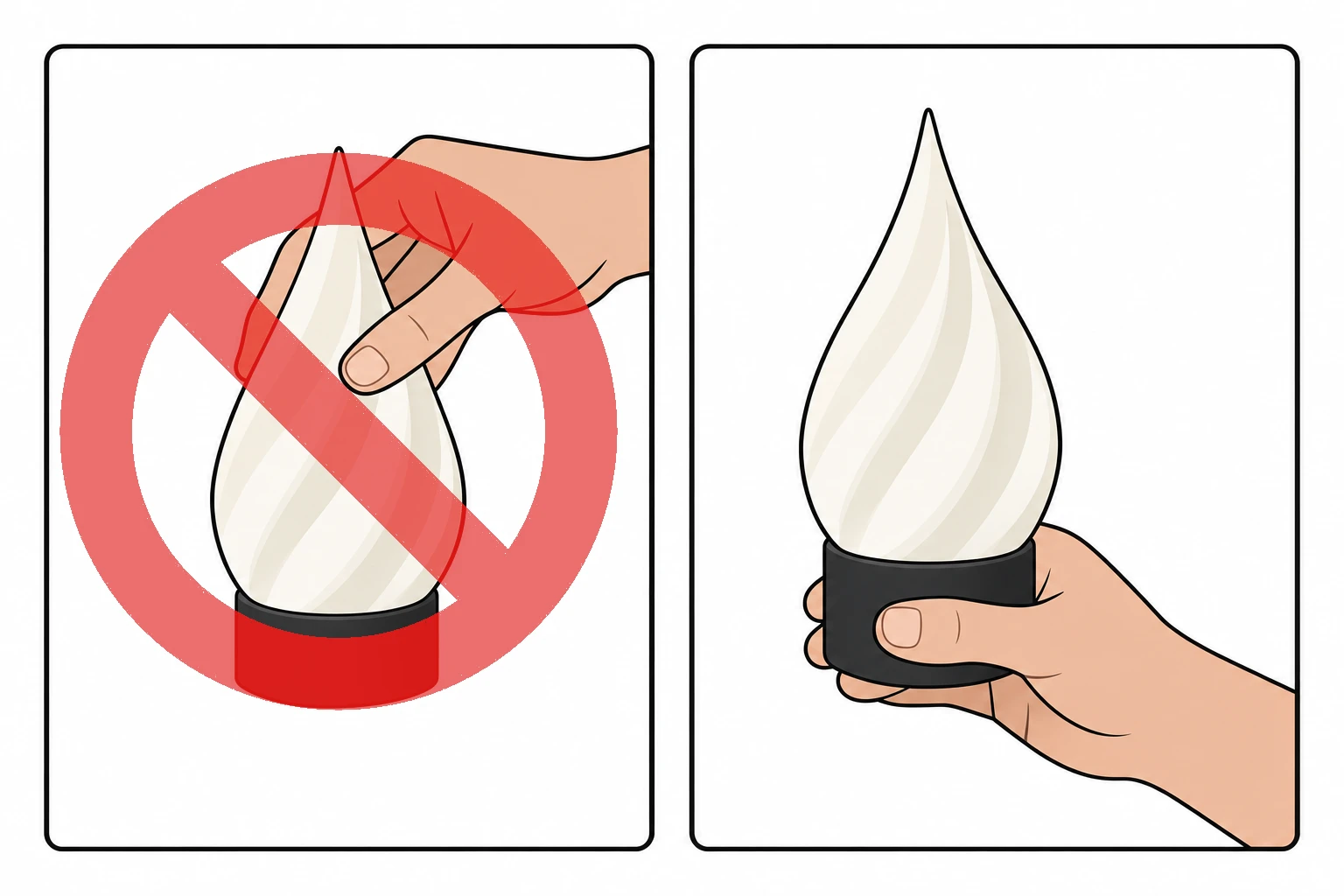
Hold it by the base, not by the tip. The lamp's body is smooth and quite slippery - held by the tip, it can slide out of your fingers and fall. Pick it up and carry it by the black base.
Switch it off after use. Switching the lamp off on its page or in the cloud panel only turns its light off: the lamp stays connected to your Wi-Fi, and on its battery it runs empty over the course of about a day. When you are done with it, switch it off with the switch on the side of the base.
⚠️ Never charge the lamp unattended. Like a phone or a laptop, it has a lithium battery. Charge it where you can keep an eye on it, on a hard surface that does not burn, away from anything flammable and out of direct sun, and do not cover it while it charges. Use an undamaged cable and charger.
In the unlikely event that the lamp gets unusually hot, swells, smells or makes noises, unplug it immediately and do not use it again. Put it outside in a fire-safe place for the time being and contact support right away - we will help you.
We buy our batteries from reputable sources and use off-the-shelf charge controllers with them. We are not liable for damage caused by defective batteries.